
Free-Pass
Sieh dir unsere kostenlosen Inhalte an!
Jetzt entdecken: 20+ kostenlose Lernvideos!
Schau dir unser kostenloses Videoangebot an: Hier findest du neue Moves, Tanztechnik, Inspiration und Ideen für alle Levels. Oder du arbeitest an deinen Pädagogik-Skills oder deiner Tanz-Fitness. Es gibt viel zu Entdecken, fang gleich damit an!
Wir brauchen nur deinen Namen und deine Email-Adresse. Wir behandeln alle Daten vollständig DSGVO-konform und du kannst dein Profil jederzeit löschen.

Von den Grundlagen bis zu fortgeschritten Techniken
Hier findest du die richtige Challenge für jedes Level! Lerne die ersten Schritte und Figuren oder fokussiere dich auf detaillierte Technik plus Skills & Drills-Übungen, die dein Tanzen verbessern.
Schau dir unsere Geschichts-Videos an
- Woher kommt der Name “Lindy Hop”?
- Gab es eine “Wiedergeburt” des Lindy Hop?
- Wie war es, im Savoy Ballroom zu tanzen?
- Wie war die Beziehung zwischen Musiker:innen und Tänzer:innen?

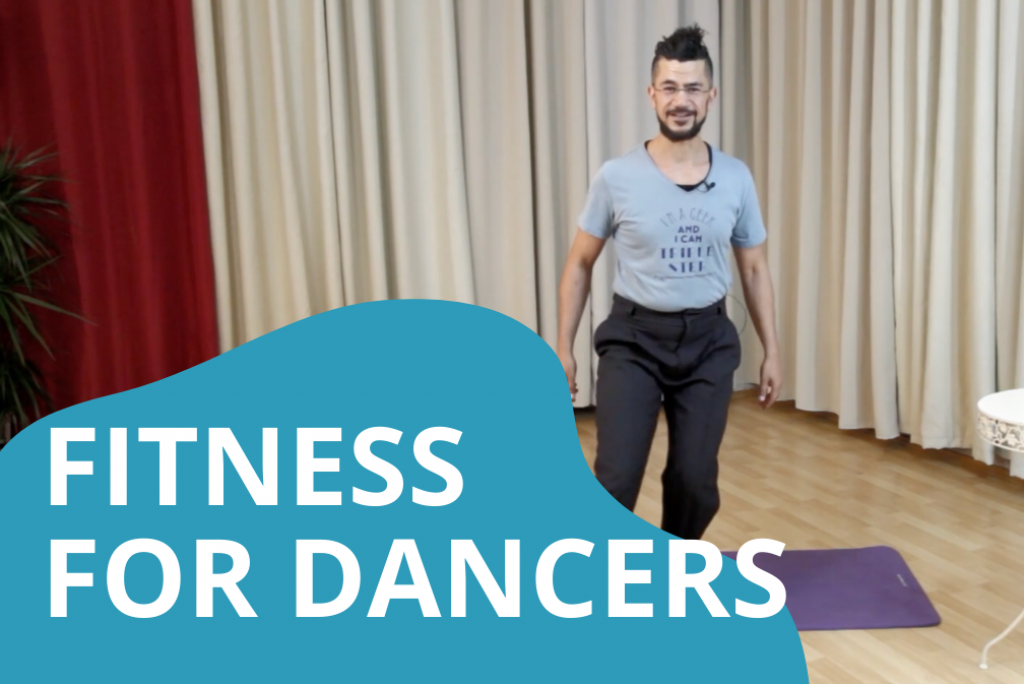
Fit fürs Tanzen!
Ein gutes Warm up erlaubt deinem Körper, deine Bewegungen besser und sicherer auszuführen. So beugst du Verletzungen und Ermüdung vor. Unser Warm up zum mitmachen basiert auf den Erkenntnissen der “Functional fitness”. Und mit unserem Core and Balance training Video machst du deinen Körper fit für jeden Schritt!
Lehren lernen: Unterrichtsaufbau im Swingtanzen
Lindy hopper lieben es, ihre Begeisterung an andere weiter zu geben. Wir zeigen dir, wie du den Tanz am Besten unterrichtest, wie du das Unterrichtsmaterial auswählst und aufbereitest und verraten dir unsere “geheime Zutat” in unserem Pädagogik-Rezept.

Melde dich an
FAQ zum Free-Pass
When signed in, you have an account page that lets you control all the details you need…
Under “Home”, you control your personal information.
Under “Subscriptions”, you can directly manage your subscription – you can change, pause, or cancel it any time.
If you need to change your password, please log out and then use the “Forgot password?” option in the log-in screen.
If you have any issues, please contact us.
As part of our Online Pass, we have regular zoom activities where you can meet someone from the team for questions.
In the videos, the teachers will speak English.
This is a troubleshooting help section so that you can quickly get back to dancing if something goes wrong.
The first thing we need to figure out is if your issue is “global” in nature, meaning if our server or website is not working and it’s not only you who are having this problem, or if the problem is local to your computer or phone.
Let’s start with a few steps you can immediately take in order to figure out if the problem is with your system:
Test 1: Is it your internet connection?
If you click on this link: https://fast.com/ You can test the current SPEED of your internet connection. If you are watching a video, the download speed is important.
You should also consider testing the STABILITY of your internet connection. We found this service online that can help you quickly get an impression of your stability: http://startrinity.com/InternetQuality/ContinuousBandwidthTester.aspx#run_in_browser (you don’t need to insert any of your information to get an impression of your internet stability, just click on the start test button and information will appear underneath it)…
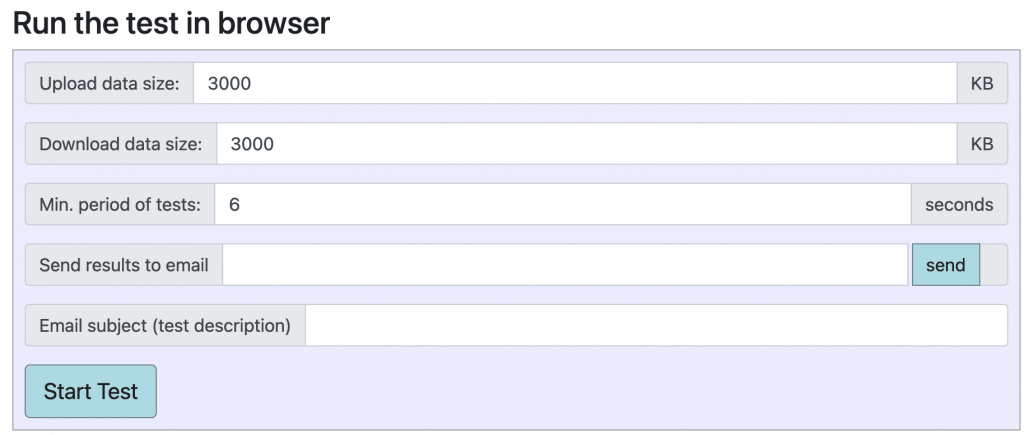
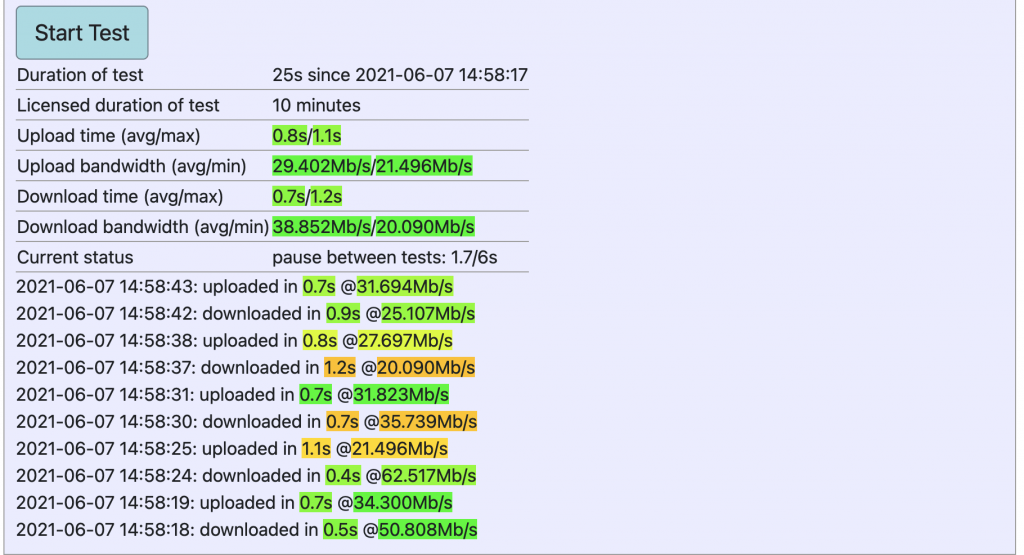
Stop the test after you get an impression of your internet stability. If most of it is green, your connection is fine. If most of it is red, you might need to talk to your internet provider.
If your internet speed is less than 40 Mbps, consider reducing the video quality; that might already give you a better experience. Some services like youtube actually do this automatically for you, but we are mainly using vimeo (because they do less data tracking on you), and with vimeo you will need to change the settings yourself. Each of our videos has a little “gear wheel” at the bottom right where you can change video quality.
Another step you can take to make sure your internet experience is better when you don’t have a strong connection is to make sure to close any additional apps or tabs you may have open. Each opened browser tab uses your computer and internet resources. If you have a tendency to open a lot of tabs so it looks something like this on the top of your browser, it is possible that you are using up a lot of memory that slows down your overall experience.

Test 2 – Is it your browser?
There are two quick ways you can test to see if your browser is causing the issue. The first is to open up a different browser. E.g., if you use Chrome, open Firefox, Explorer or Safari and log into swingstep.com to see if the same problems occur there. If it’s working in the other browser, then there is something about your preferred browser that is not working with our website.
A quick way to test that is to open up an “Incognito” window on your preferred browser; log into swingstep.com from there and see if the problem still persists. (Each browser has its own way of offering an incognito window, so if you need to learn how to do that, do an internet search for “open an incognito tab” and add either your browser or phone & browser name etc and you’ll quickly find an answer.)
Test 3 – what about my browser is causing swingstep.com not to work properly?
There are several reasons why our internet browsers can mess with our online experience. Here are the standard issues that we’ve seen users face:
- Browser Cache – your browsers cache is meant to save some website information so that next time you hop onto the site it is faster. Most of the time, this is great. But sometimes, it collects too much information and stops working. You occasionally should clear your cache to ensure good browser health.
- Browser Cookies – not all cookies are evil 😉 if you block all cookies from a website, a lot of the features (like videos) stop working. You should regularly clear your cookies to make sure you don’t collect unwanted cookies, but it also helps you have a better internet experience. So, if you have a cookie blocker, you need to pause that on our site. Try clearing your cookies and try to disable anything that is blocking cookies from being used on our site.
- Browser plugins – some browser plugins such as ad-blockers do more than just block ads. They sometimes also block useful cookies from being used on your browser. If you are still having problems with our videos, try pausing or disabling your browser plugins on our site.
Test 4 – Is your computer hard disk full?
Another tricky possibility is that the hard-disk space on your actual computer can block you from even opening internet pages if it is completely full. This is extremely rare, but worth looking for in case nothing else helps.
Specific cases
Here are some specific cases that have happened to other members and how we were able to help them. Check to see if one of these applies to you too…
Problem: “I had a total error with the site. I could sign in at the beginning but when I checked the course and I clicked ‘completed’ it broke down and I can’t sign in anymore at the moment.”
Explanation of the issue: Today, many services add information to your browser search. Sometimes, after browsing the web for a while, you have so much information added to your browser that it exceeds the amount of information that can be transferred over the http headers. In this case for example, the information “course completed” was the drop that made the bucket spill over.
Solution: Try clearing your cache and your cookies. On a mobile device, this may mean that you need a browser cold-restart. (Unfortunately, every phone does this a little differently; to find out how yours works, perform an internet search using keywords like “How To Force Quit Apps” or “how to cold start” and include your phone model.)
Global issues
If you’ve tried all the above options and our site is still not working for you, it is very possible that the problem is on our side. Please let us know and we will troubleshoot on our side to fix it. And, of course, If we’ve fixed it from our side but it is still not working for you, please let us know so that we can troubleshoot together. Send us an email at [email protected].
Please don’t hesitate to contact us! Send an email to [email protected], describing the problem as specifically as you can, and we’ll get back to you.
Videos aus dem “Dis-Tanzen”-Projekt
In unseren Dis-Tanzen-Videos (Teil einer Initiative der Deutschen Bundesregierung) haben wir mit verschiedenen Expert:innen zusammengearbeitet, um Wissen zu teilen und Lehrer:innen bei ihren Online-Kursen zu helfen.
Die ganze Playlist findest du hier. Oder sieh dir das Beispielvideo unten an.
Ableton Setup-Datei für perfekt synchronisierten Sound bei Zoom-Sessions
In den Videos erklären Ali und Paul im Detail, wie man das Audio- und Videoequipment am besten einstellt, um ein optimales Ergebnis für Audio und Video zu bekommen. Hier kannst du unsere Datei mit den Ableton-Einstellungen herunterladen:

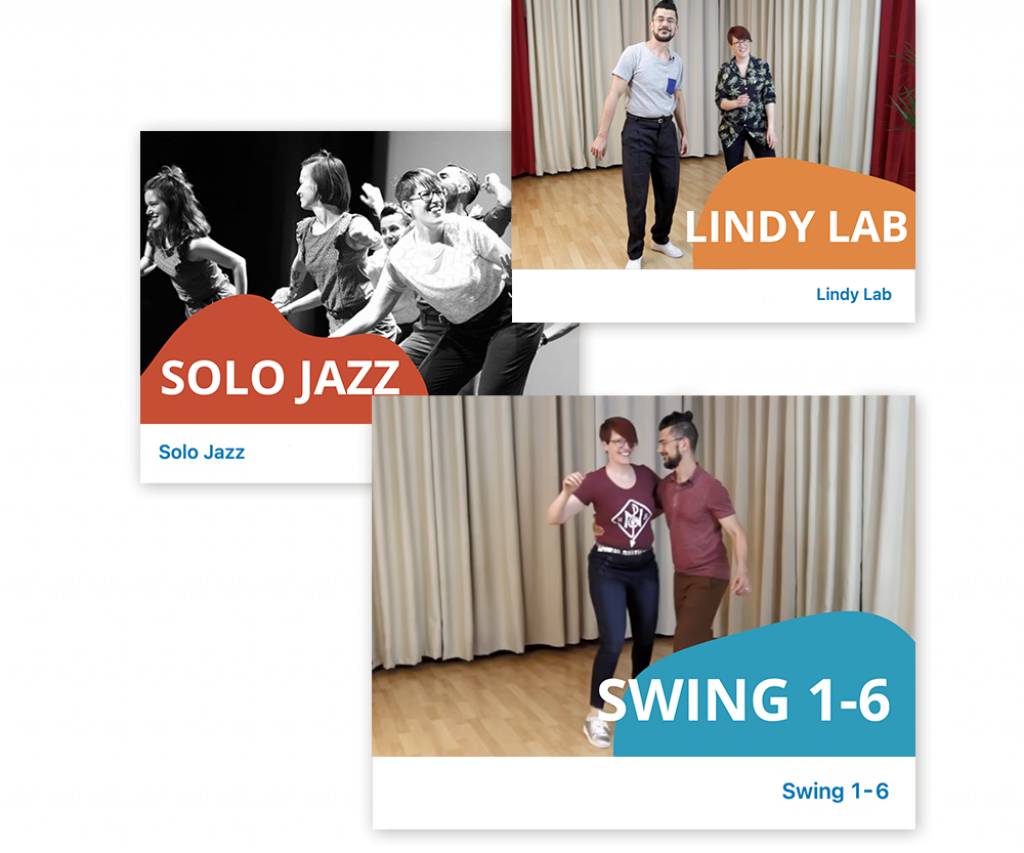
Bereit voll einzutauchen?
Buche den Online-Pass und bekomme vollen Zugang zu all unseren Online-Kurse! Das sind über 90 Stunden Lernvideos von den Grundlagen bis zu fortgeschrittenen Techniken, plus regelmäßige Live-Sessions, um dich mit unserer Community zu vernetzen und viel Freude am Tanzen zu haben.